Pre-1.0 · Closed Playtest

STARS
REBORN// 4X · RTS · P2P

A real-time pausable 4X of fleet command, economic attrition, and fog-of-war. Procedural galaxies. Seven ship types. Matches end in 15–30 minutes — not thirty hours.

Ship Types
6+ STARBASE
Match Length
15–30MIN
Galaxy Size
3TIERS
Netcode
P2PAUTH HOST
TACNET · Live Telemetry
Turn Model REAL-TIME · PAUSABLE
Combat Triangle FIGHTER ▸ CRUISER ▸ FRIGATE
Fog of War SCAN-GATED · LAYERED
Economy WORKFORCE + MINING
Engine GODOT 4.6.2
Platforms WIN · LINUX · MAC
§ 01 · Overview

What you're looking at.

Stars Reborn is a real-time pausable 4X space strategy game built in Godot. Spiritual heir to the classic turn-based Stars! — stripped of the spreadsheet, dense with decisions.

Scout a procedural galaxy. Settle planets. Draft a fleet composition that counters what your opponent is building. Feint. Starve them of workforce. Collapse a front. Every match is a self-contained campaign that resolves in a single sitting.

No session lobbies, no monthly live-service grind. P2P netcode with an authoritative host — you host a match by IP and your opponent joins. That's it. Matches are designed to be replayed, not subscribed to.

Ship Types
7 TYPES
Six build-capable classes plus the starbase. One combat triangle.
Match Duration
15–30 MIN
Procedural pacing. Victory or defeat in a single sitting.
AI Opponents
3 DIFFICULTIES
Settler, Rusher, Expansionist. Distinct play styles, not stat inflation.
Multiplayer
2-PLAYER P2P
Host by IP (port 7777 UDP) or auto-discover on LAN. No servers required.
§ 02 · In-Engine

Live frames. No render passes.

FRAME.001 001 / 005
▸ FRAMES AUTO · 5.0s
§ 03 · Fleet Manifest

Seven types. One triangle.

▸ Combat Triangle
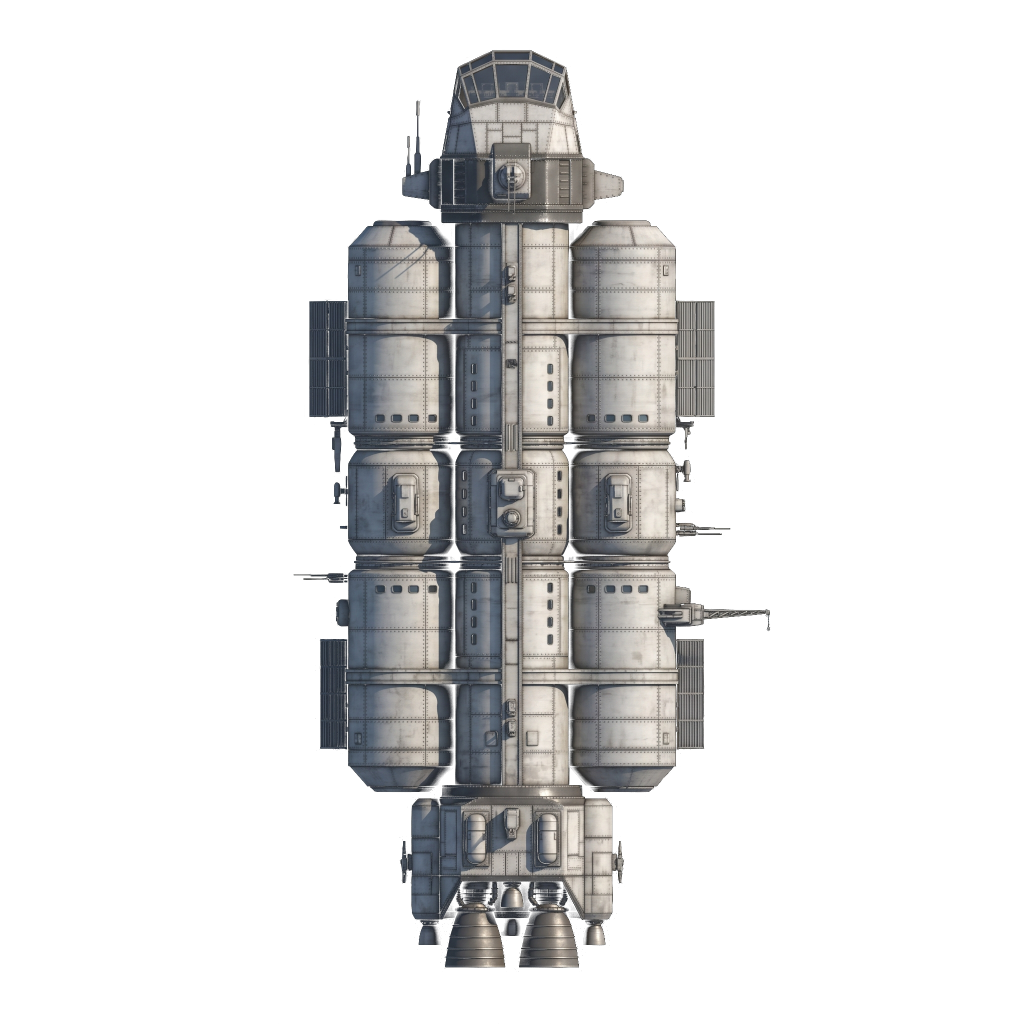
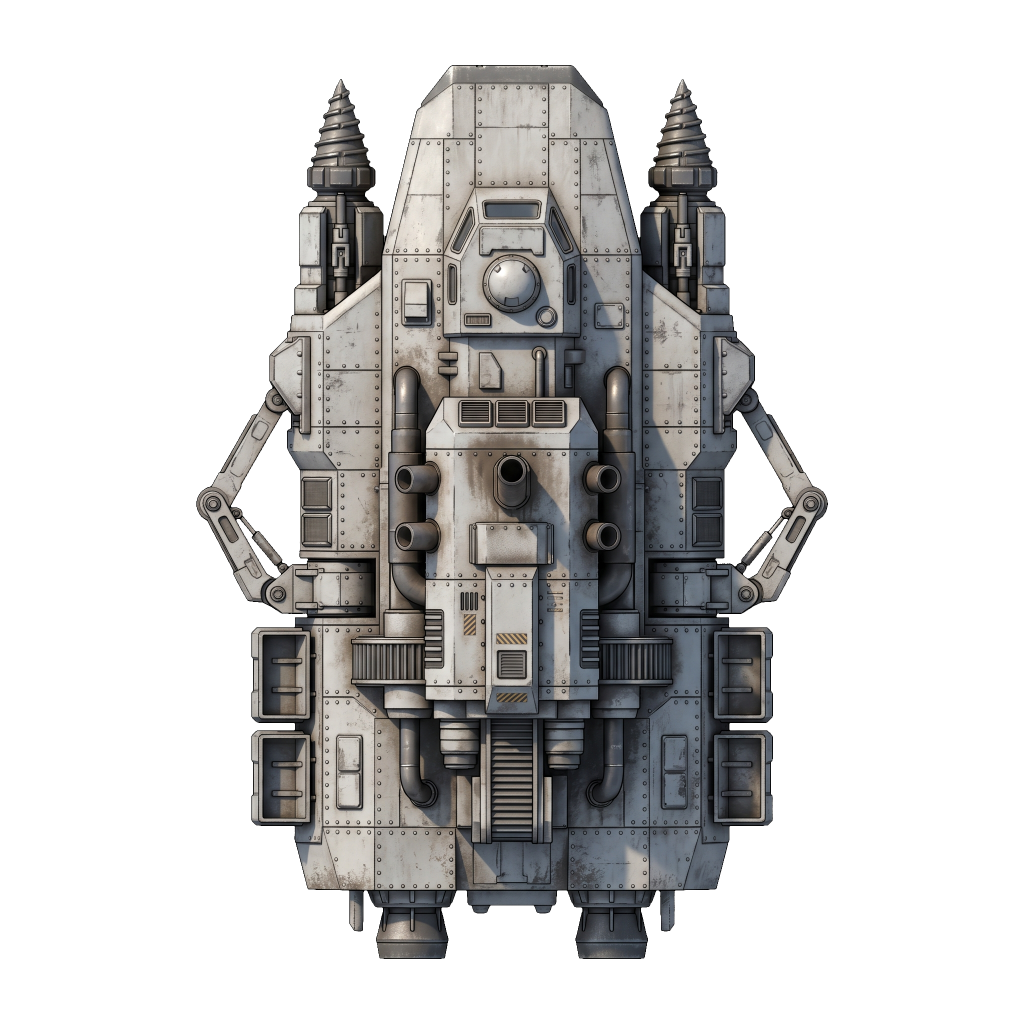
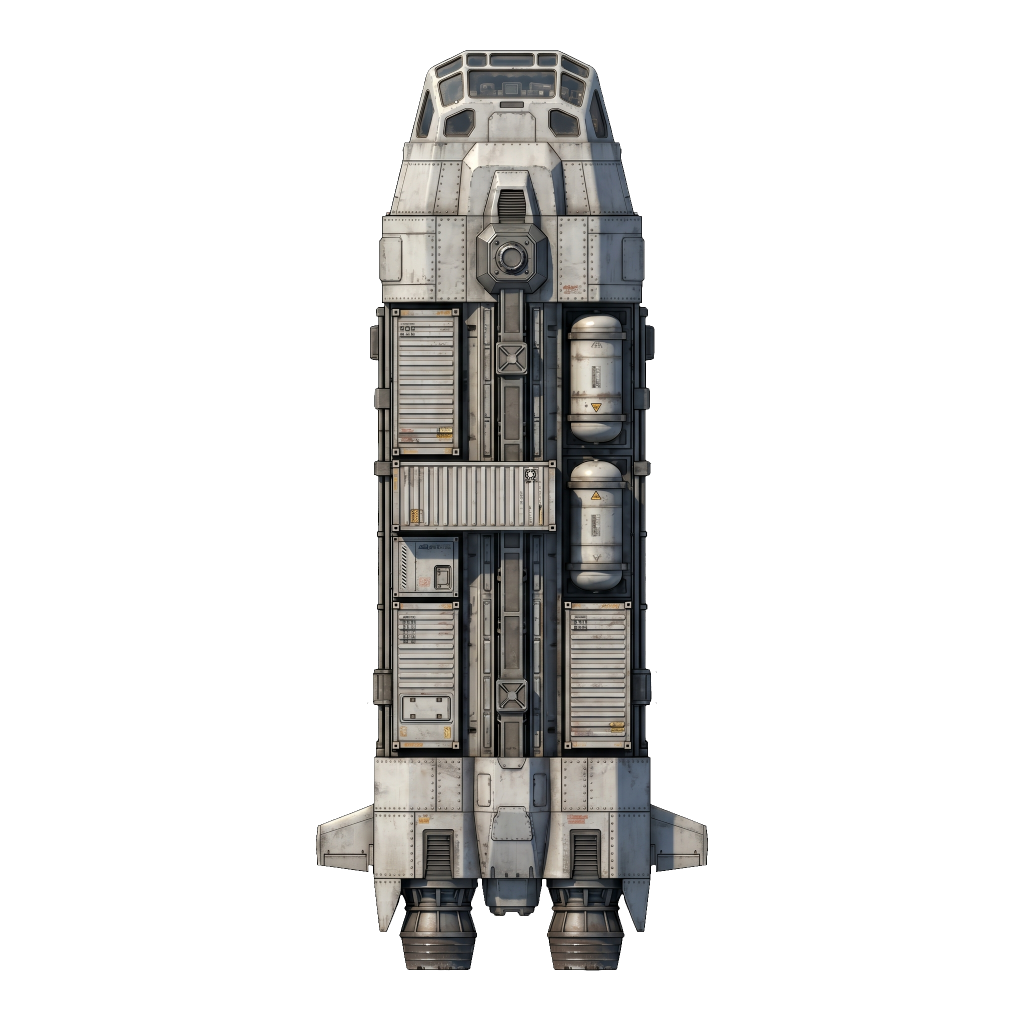
 Fighter ▸ beats ▸  Cruiser ▸ beats ▸  Frigate ▸ beats ▸  Fighter
SR-01 · CLASS SCT RECON
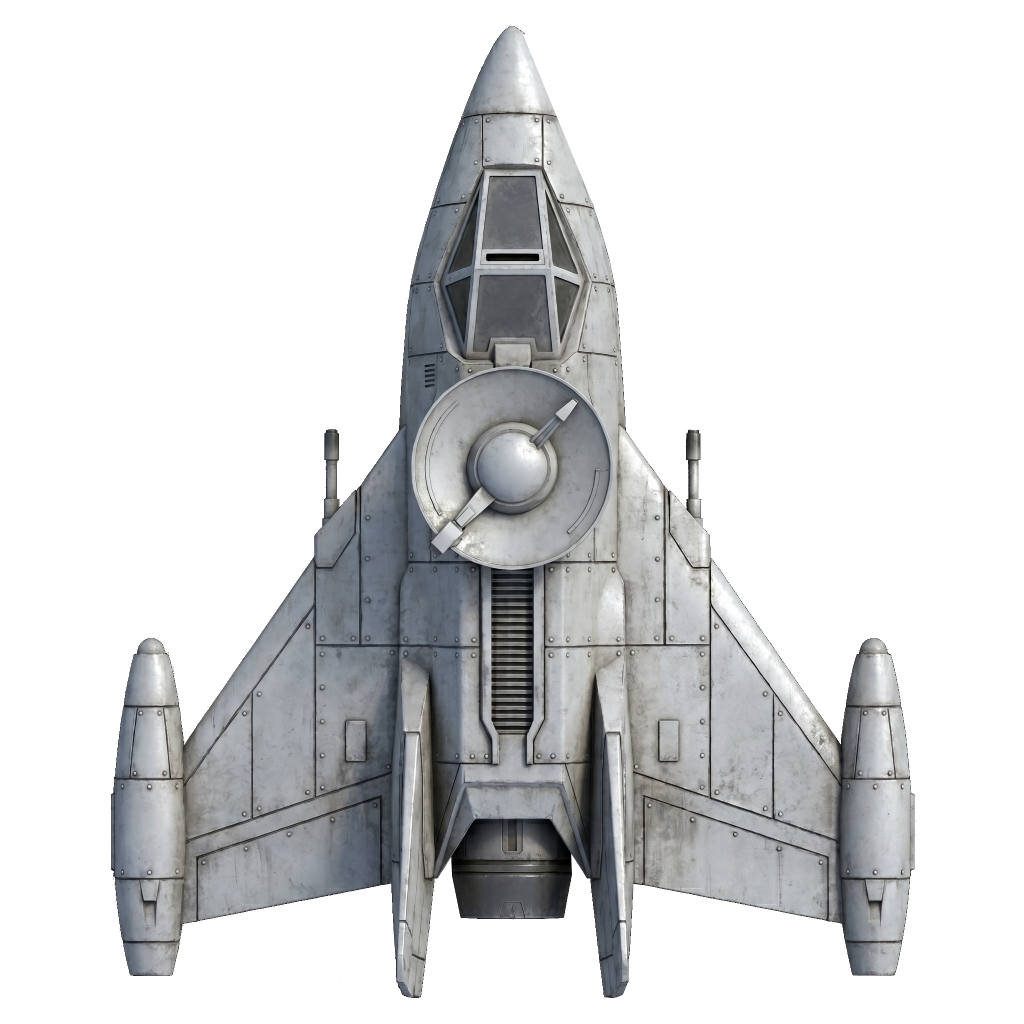
Scout Scout glyph
SCOUT
Long-range Reconnaissance
HP20 Speed180 Scan600 / 450 Evasion35% Cost50 m
SR-02 · CLASS FTR ▲ CRUISER
Fighter Fighter glyph
FIGHTER
Interceptor · Dead-zone Closer
HP90 Speed140 Attack20 Range70 px Cost100 m
SR-03 · CLASS FRG ▲ FIGHTER
Frigate Frigate glyph
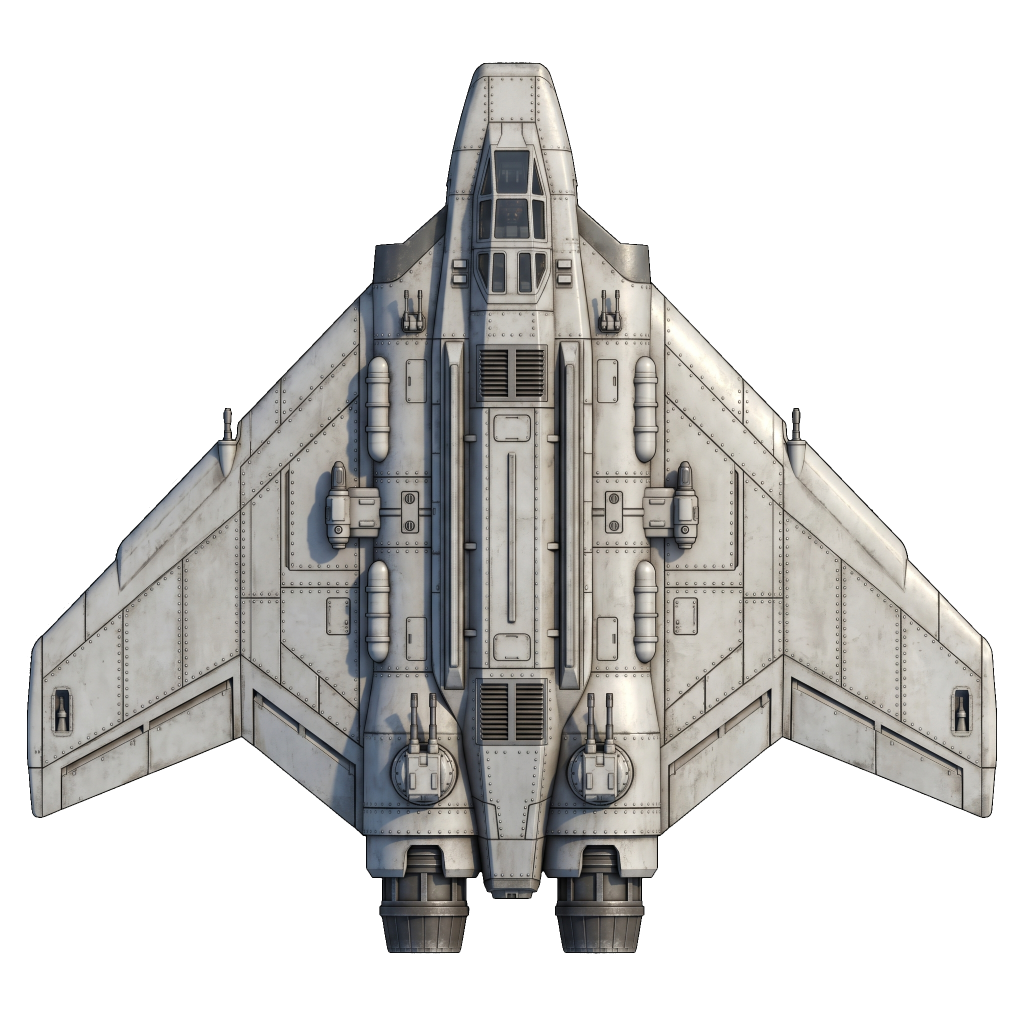
FRIGATE
Armored Brawler · Heavy Sensors
HP200 Speed70 Attack35 Range100 px Cost250 m
SR-04 · CLASS CRS ▲ FRIGATE
Cruiser Cruiser glyph
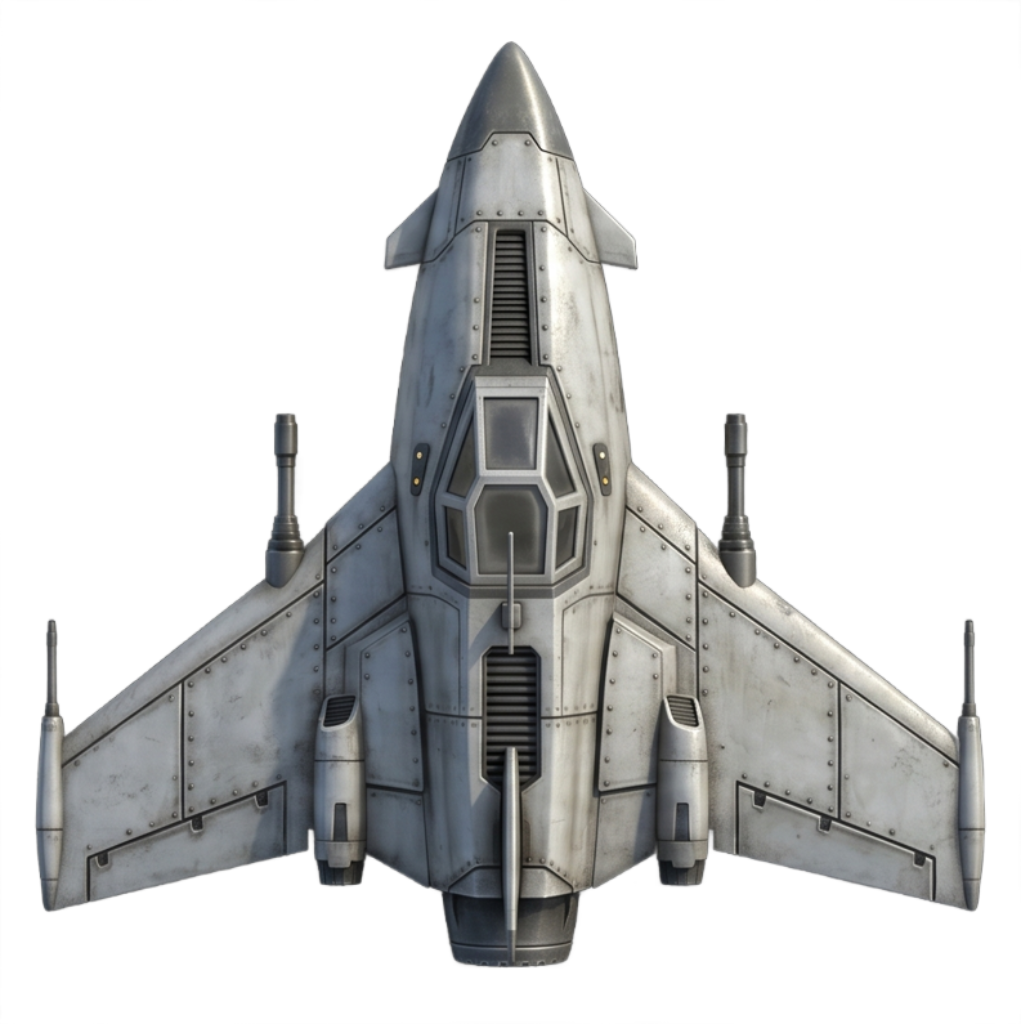
MISSILE CRUISER
Long-Range Missile
HP140 Speed55 Attack40 Range60–360 px Cost350 m
SR-05 · CLASS BMB SIEGE
Bomber Bomber glyph
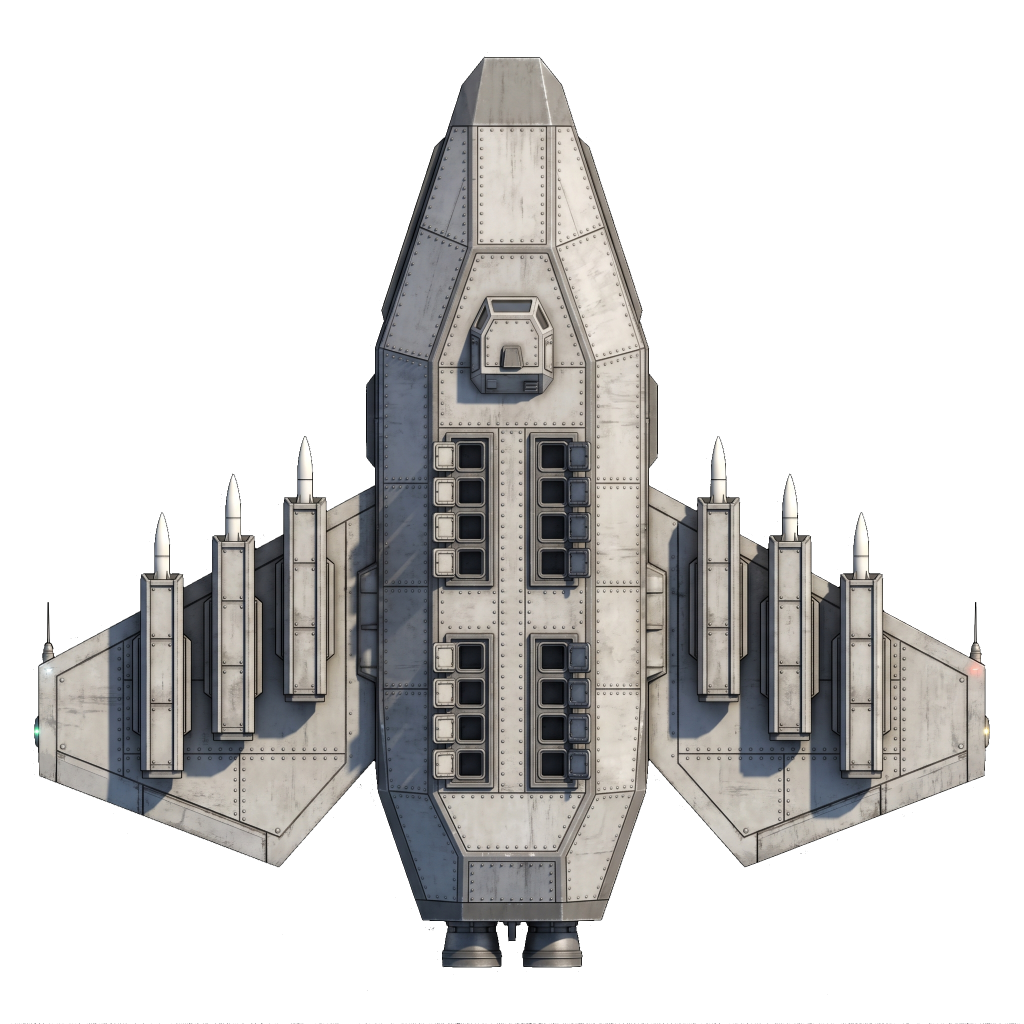
BOMBER
Orbital Siege
HP60 Speed90 Attack Rangeorbits Cost150 m
SR-06 · CLASS CLN EXPAND
Colonizer Colonizer glyph
COLONIZER
Colony Deployment
HP40 Speed80 Attack Range Cost200 m + 50 pop
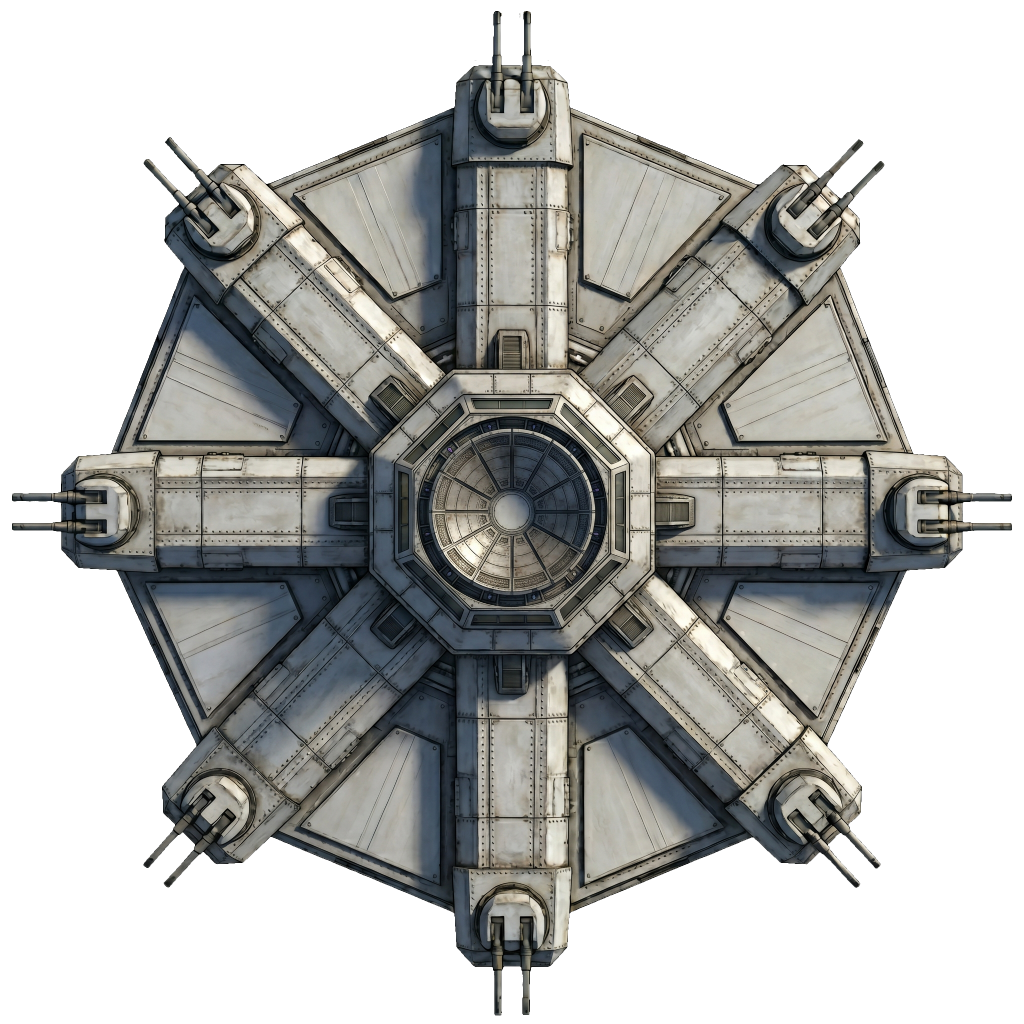
SR-07 · CLASS STB STATIC
Starbase Starbase glyph
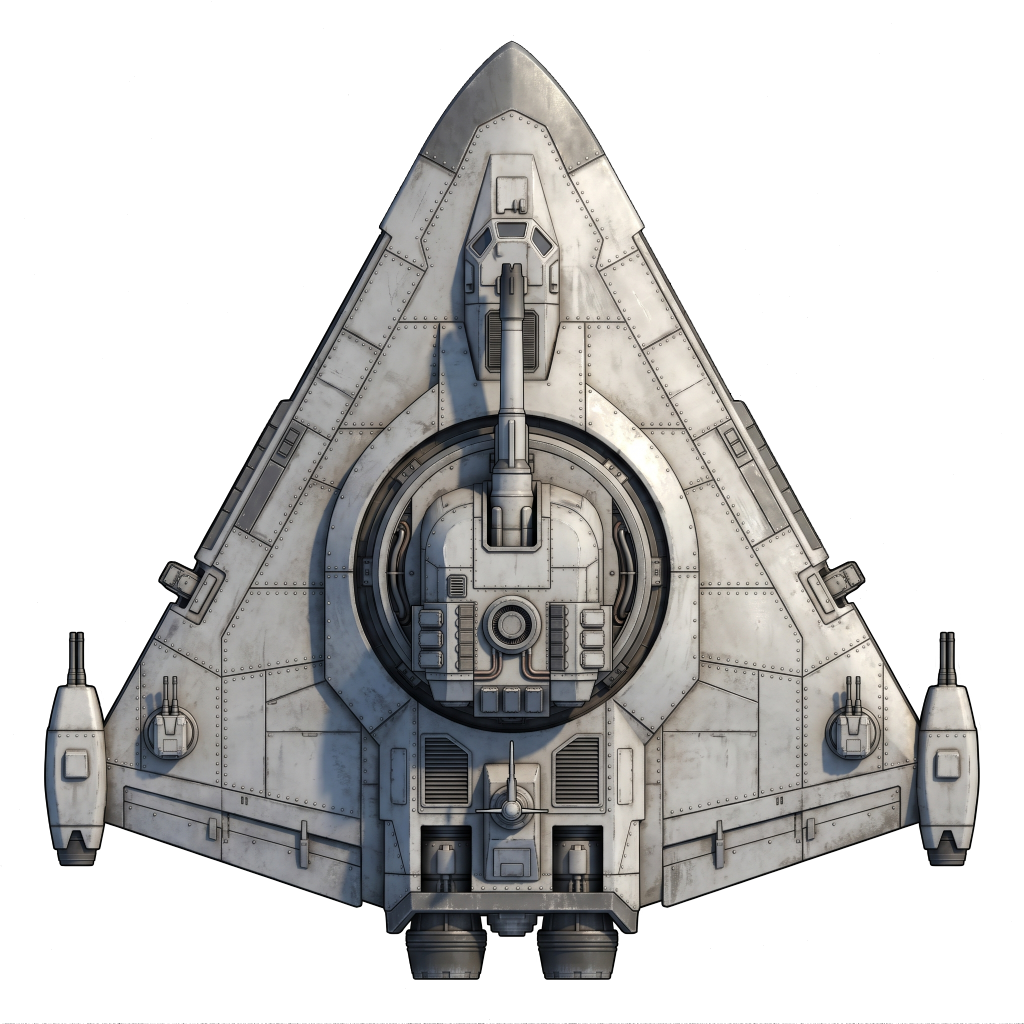
STARBASE
Orbital Platform · Home Star
HP500 SpeedSTATIC Attack80 Range130 px Costbuilt on-site
DOC · SR-DOC · DOCTRINE
▸ FLEET ROLES
FIGHTER — closes cruiser dead zone
FRIGATE — brawler, heavy sensors
CRUISER — long-range missile
BOMBER — bombs enemy stars
────────────────
SCOUT — 600 scan, 35% evasion
COLONIZER — claims neutral stars
STARBASE — home defender
▸ Refer to §03 · Combat
§ 04 · Systems Briefing

How it actually works.

Economy · Workforce & Mining

Planets run on a single resource: minerals. Output is the product of three levers — population, infrastructure (mines and factories), and a mining/production slider that splits workforce between the two.

  • Pop capsize × 10 × (habitability / 100). Hab gates both growth speed and the ceiling.
  • Workforcepopulation / 2, split by the per-star slider.
  • Staffing — each mine/factory wants 10 workers. Below that, efficiency drops proportionally.
  • Extractionmines × (concentration / 100) × efficiency. Concentration depletes as you mine.
  • Productionfactories × efficiency minerals converted into queued builds per tick.

At hab=50, a fully grown planet can exactly staff every building. Above 50 you run a workforce surplus; below 50 your infrastructure is permanently understaffed.

Home StarStarting Value
Habitability85
Population100 / 850
Mines10
Factories5
Concentration100
Surface Minerals100
Starbaseat match start
▸ One resource. No research tree, no tech unlocks. The deck is what you build.

Fog of War · Scan-Gated Vision

Vision is layered. Each of your ships and stars projects a movement-scan radius (wider, tracks position) and a narrower visibility radius (identifies hull, shows HP bar). What you see depends on which rings the enemy stands in.

  • Outside movement scan — enemy is invisible to you.
  • Movement scan only — enemy shows as an anonymous owner-color blob. Position known, type hidden.
  • Inside visibility — full hull + HP bar. For stars, scouts and scanners reveal full planet stats.
  • First contact — a sonar-pulse blip on the frame an enemy is first detected.

Combat is detection-gated: a ship can only target enemies someone on its team has inside movement scan. A cruiser at 360 px range with 80 px self-scan cannot fire without a scout or frigate spotting for it.

SourceMovementVisibility
Scout600450
Scanner I700350
Scanner II1500750
Frigate350262
Starbase200150
Fighter8070
Cruiser8060
Bomber8060
Colonizer8060
▸ Visibility = max(attack_range, move_scan × 0.75). No boost when attack ≥ move_scan.

Combat · Rock · Paper · Scissors

Combat resolves in real time. Proximity clustering engages enemies within 400 px. Ships attack on a 0.5-second cooldown with a 20% miss chance (seeded RNG); scout evasion checks before damage resolves.

  • Fighter ▸ Cruiser — fast enough to close inside the cruiser's 60 px dead zone. Once inside, the cruiser cannot fire.
  • Frigate ▸ Fighter — higher HP + DPS wins the brawl once the gap closes.
  • Cruiser ▸ Frigate — kills at 360 px before the frigate's 100 px guns are in range.
  • Detection-gated — you can only shoot what your team has in movement scan.
  • Bombers — orbit enemy stars at 80 px and deal 5 pop per 1-second bomb cycle. No air-to-air.
  • Formation line drag — right-click-drag with 2+ ships selected to spread them evenly along the line you draw. Sort order matches the line direction so paths don't cross. Useful for fanning a fleet into a firing line before contact; plain right-click still issues move / colonize / bomb / star commands.

Counters are stat-driven, not automatic wins. Bring the right composition for what you scouted — or pay for it.

ClassHPATKRange (px)Role
Fighter902070Dead-zone closer
Frigate20035100Brawler
Cruiser1404060–360Long range
Bomber60orbitsOrbital siege
Starbase50080130Home defender
▸ Cruiser range · 60–360 px
DEAD · 0–60
OPTIMAL · 60–360
OUTSIDE
▸ Counters are emergent — no explicit multipliers. The triangle works through dead-zone geometry and stat matchups, not hardcoded damage modifiers. 0.5 s cooldown · 20% miss · scout evasion 35%.

Galaxy · Procedural & Seedable

Every match generates its galaxy from a seed. Share the seed to replay the same map; reroll for a fresh draw. Star placement is deterministic from seed × map size, so both players see an identical galaxy at match start.

  • Small · 16 stars — 6000×6600 playfield. 1v1 duel. ~15 min.
  • Medium · 24 stars — 9000×9900. 1v1 extended. ~20 min.
  • Large · 36 stars — 12000×13200. 1v1 marathon. ~25–30 min.
  • Win conditions — elimination (zero stars AND zero colonizers), domination (≥60% of stars), or timeout at 30 min (most stars wins).

The galaxy picker in the main menu sets size. The seed field reseeds on every menu entry; edit it to reproduce a specific match, or hit the 🎲 button to re-roll.

TierStarsPlayfieldPlayersDuration
Small166000×66002~15 min
Medium249000×99002~20 min
Large3612000×132002~30 min
▸ Seeded RNG. Same seed + size ⇒ same galaxy on both ends.
§ 04.5 · Interactive Model
Economy simulator.
PLANET PARAMETERS
LIVE · INTERACTIVE
Planet Size100
Habitability85%
Current Population100
Population growth chart.
Max Population
Max growth / year
1 year =
0.5SEC
Years to 50% cap
Years to 90% cap
▸ max_pop = size × 10 × (hab/100) · growth/tick = pop × 0.00428 × (hab/100) × (1 − pop/max_pop) · 10 ticks = 1 year = 0.5 real seconds
§ 05 · Roadmap

What's Coming

Stars Reborn is actively developed. Here's where we're headed.

▸ MANIFEST · COMPLETE 11 / 11 · LIVE IN v0.43.1
Economy Combat Triangle Fog of War Multiplayer AI Opponents Tutorial Rally Points Patrol Mode Main Menu Scanners Build Queue
PHASE 01 · NEXT ECONOMY
Deeper Economy
The single resource becomes three: Iron for ships and basic infrastructure, Silicon for electronics, scanners and precision weapons, Germanium for advanced technology like bombers, mass drivers and battleships. Every planet becomes a strategic decision — control the Germanium-rich worlds and you control the late game. Add mining ships to extract from stars you can't colonize.
PHASE 02 · NEAR FLEET
More Ship Types
The roster grows from 7 to 12+. Destroyers, Battleships, Mine Layers, Sweepers, Freighters, Colony Transports. Each with a clear role — no filler units. Fleet composition matters.
PHASE 03 · MID RESEARCH
Five Research Fields
Weapons, Construction, Propulsion, Electronics, Energy. Three tiers each. Split your production between building and researching. Fall behind in weapons? Out-research your opponent in propulsion.
PHASE 04 · HORIZON LATE GAME
Mass Driver + Stargates
Stargates for instant fleet reinforcement. Mass Drivers for cross-galaxy mineral logistics — or as orbital bombardment weapons against enemy planets. The late game gets teeth.
▸ View the detailed alpha roadmap → Phase breakdown · Research tiers · Alpha criteria
§ 06 · Change Log

Recent deployments.

0.43.1 MAY 11 · 2026 FEATURE
▸ Tutorial 4: Economy & Logistics
  • All four core tutorials are now live. Economy & Logistics — the final core tutorial — covers miners, freighters, and trade routes end-to-end: find a rich uninhabitable neutral world near your home, build a miner to extract its minerals, build a freighter, draw a route, and watch the stockpile flow back to your home planet. 17 steps. Settler / Rusher / Expansionist AI are the recommended next stop once you've done all four.
  • Mining intel — eyes on the ground. Park a miner on a planet and the bottom panel now shows its concentration and surface mineral count plus the per-second extraction rate, updating live each game year. Park a freighter and you see surface minerals only (the freighter knows what it's loading but not the geology). Scouts and scanners with green-scan reveal both numbers from a distance, including on uninhabitable worlds. Closes the gap where mining a volcanic neutral would silently fill a stockpile no UI ever surfaced.
  • Uninhabitable worlds are navigable. Click an "Uninhabitable" planet column in System view and you drill into its details the same way you would with a colony — useful for inspecting a mining target's stats before committing, and for setting it as a trade-route source via Ctrl+R or the "+ Route" pill.
0.43.0 MAY 11 · 2026 FEATURE
▸ Combat Spots Itself
  • Enemies that fire reveal their hull. An enemy ship that fires a weapon while inside any of your movement scans gets its full hull rendered (same as a green-scan reveal) for as long as it stays in range. The moment it leaves your scan it goes back to a faceless blob; on re-entry it stays a blob until it fires again. Cuts down on the "what's shooting at me from over there?" moments without breaking the scout-spots-from-a-distance rhythm.
  • Wingman self-defense. When one of your ships gets shot, every clustermate on the target's team also flags the attacker — so the second ship in a pair can turn and engage even when its own scan can't see the attacker. Fixes the case where one enemy of a two-ship squad would drift toward an unrelated target while its buddy died.
  • Tutorial 3 (Combat) revision. Starter scout is now parked at your home from the welcome step (combat is detection-gated; the fighter and frigate demos need a spotter). A new "Rally Points" step teaches per-star rallies before the final engagement. Demo steps restructured so the "select your fighter, right-click the bomber" instruction now lives on the step where you're actually waiting and acting.
  • Tutorial overlay relocated. The tutorial panel moves to the top-left (was bottom-centre). The screen centre is reserved for combat and the system view — the new home keeps the panel clear of the action without ever overlapping the tick label, alert label, or activity log. Panel auto-sizes to content with a stable title position across step transitions.
  • Edge-pan can be turned off in settings. If the screen-edge pan band fires too often while you're reaching for HUD elements, toggle it off in the settings panel. WASD + middle-mouse drag still pan the camera as before.
  • The bottom-panel ship toggle was labelled [E] Engage — but the actual key is A (E was reassigned to scan-rings when R became Routes). Label corrected.
0.42.1 MAY 10 · 2026 FEATURE
▸ Press V to Warp Anywhere
  • Tutorial 2 ships in the picker. Movement & Scouting — 17 steps covering right-click move, intra-system flight versus warp, warp to a star, warp to free space, queued waypoints (mix moves and warps), patrol mode (oscillation and loop variants), formation drag, scanner I, and the selection shortcuts.
  • Press V to warp anywhere — no star required. Arm warp with V, right-click on the map, and your fighters charge their drives and streak to that point. Same spinup ring, same transit, same minimum warp distance as star warps. Click inside a star's safety zone and you drop out at the boundary on the inbound side, the same way a star warp lands.
  • Shift+V queues warps. Each right-click while in queue mode appends a warp to the ship's queue alongside any normal moves. Chain "warp to here, fly to that planet, warp to over there" into one multi-leg journey. Queued warp segments render in amber on the waypoint trace so you can tell at a glance which legs are warps.
  • Patrol mode rebuilt as an arming flow. Press P with ships selected to arm — then plain right-click for a 2-point oscillation between the ship's current position and the click, or shift+right-click 2-3 points then a plain right-click for a multi-point loop. The arming preview shows the would-be route in real time, including a faint "first leg" that disappears once the ship arrives at the loop. Press P again or Esc to cancel.
  • Fleet panel gets an Actions column. Patrol and Warp now show as buttons next to the toggles, with the hotkey on each. Click the button or press the key — same arming flow either way.
  • A ship parked at a star's edge after a warp can now warp out cleanly. The safety-radius check used to clip outbound warps from the boundary because of sub-pixel position drift; resolved.
0.42.0 MAY 09 · 2026 FEATURE
▸ The Tutorial Picker
  • One tutorial became five — and the first one is shipping. The single 37-step intro is being replaced by a focused tutorial per topic. v0.42.0 ships the picker (Basics, Movement & Scouting, Combat, Economy & Logistics) and the rewritten Basics tutorial: 18 steps covering the HUD, camera, pause, system-vs-planet selection, the build queue, workforce, scouting, and your first new colony.
  • Combat and bombing are out of Basics. The original tutorial dragged you through fleet combat, starbase teardown, and bombing in one sitting — too much for a "first match" walkthrough. Those land in dedicated Tutorial 3 next. Basics now ends after you've established a second colony.
  • Completed tutorials get a checkmark in the picker so you can see at a glance which ones you've already done. Settler difficulty AI is recommended for your first real match after Basics.
  • Per-tutorial focus rules. Tutorials silence the activity-log feed, the battle alert, and the 30-minute match timeout while you're learning, so you can read each step at your own pace without something pinging from the background.
0.41.0 MAY 09 · 2026 FEATURE
▸ Edge-Pan + Reach the Southern Stars
  • Push the cursor to the edge of the map and the camera pans. An 80-pixel band along the top, the sides, and just above the bottom panel slides the camera in that direction — gentle when you brush it, fast when you commit to the corner. Sweep across the galaxy without taking your hand off the mouse.
  • The southern row of stars is reachable now. Pan limits used to keep the galaxy centered on the screen at every zoom, so on Medium and Large maps the bottom row of stars sat permanently behind the bottom panel. Drag down at any zoom and those stars now come up above the panel where you can click them.
  • The pan band is off-limits to your fleets and planets. Stars and ships are clamped out of the 80-pixel band so a click at the edge of the screen is always pan intent, never select intent. The pan also stays quiet while your cursor is over UI — buttons and panels never get hijacked into a camera glide.
  • ESC after a wheel-zoom no longer bounces. Pressing ESC right after scrolling in used to briefly zoom out and then snap back in, needing a second press to stick. Fixed — first ESC now lands you cleanly at galaxy view.